
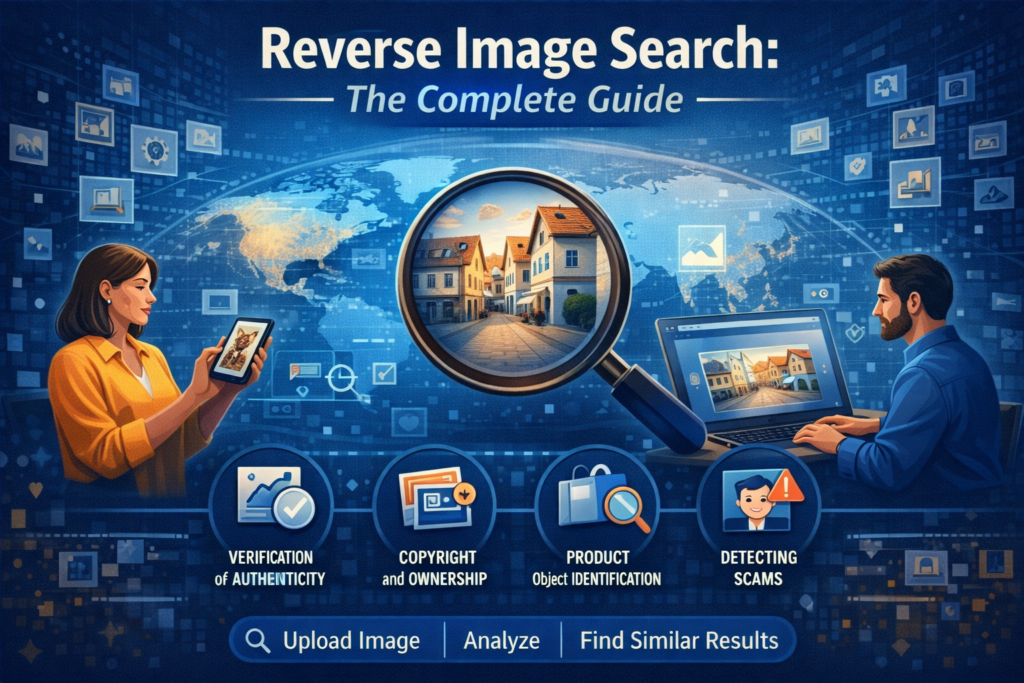
Let’s be honest — we live in a world where images speak louder than words. Every scroll, swipe, and click floods our screens with visuals. From social media posts to news articles, memes, advertisements, and product listings, images shape how we consume information.
But here’s the catch: not every image tells the truth.
Some photos are reused. Others are edited. Some are taken completely out of context. And many times, we simply want to know where an image came from, who owns it, or what it actually represents.
Think of it like a digital detective. Instead of typing words into a search bar, you upload an image — and the internet starts talking back. It tells you where that image appeared, how it’s been used, and sometimes even the story behind it.
In this complete beginner-friendly guide, we’ll break down everything you need to know about reverse image search. No technical jargon. No confusion. Just simple explanations, practical examples, and real-world use cases — all written like a human talking to another human.
What Is Reverse Image Search? (Simple Explanation)
The technology that allows you to search the internet using an image instead of text.
Instead of asking, “What is this?” with words, you show the system the image and let it figure things out visually.
Once you upload an image (or paste an image link), the search engine scans it for patterns such as:
- Colors
- Shapes
- Objects
- Faces
- Textures
- Layouts
It then compares those patterns against billions of indexed images across the web.
The result? You get:
- Identical or similar images
- Websites where the image appears
- Related visuals
- Contextual information
It’s like giving the internet a photograph and asking, “Have you seen this before?”
Why Reverse Image Search Is So Important Today
We live in an era of visual overload. And with that comes confusion, misinformation, and even deception.
Reverse image search helps restore clarity.
Here’s why it has become essential:
1. It Helps Verify Authenticity
Fake images spread fast. Reverse image search lets you verify whether an image is real, edited, or recycled from somewhere else.
2. It Saves Time
Instead of manually searching for clues, you get instant results.
3. It Supports Research and Fact-Checking
Journalists, students, and researchers use it to confirm sources.
4. It Protects Against Scams
Fake profiles often reuse stolen images. A quick search can reveal the truth.
5. It Helps Identify Unknown Objects or Places
Ever seen something interesting in a photo and wondered what it was? Reverse image search gives you answers.
How Reverse Image Search Works Behind the Scenes
Behind the scenes, the use advance computer vision and artificial intelligence.
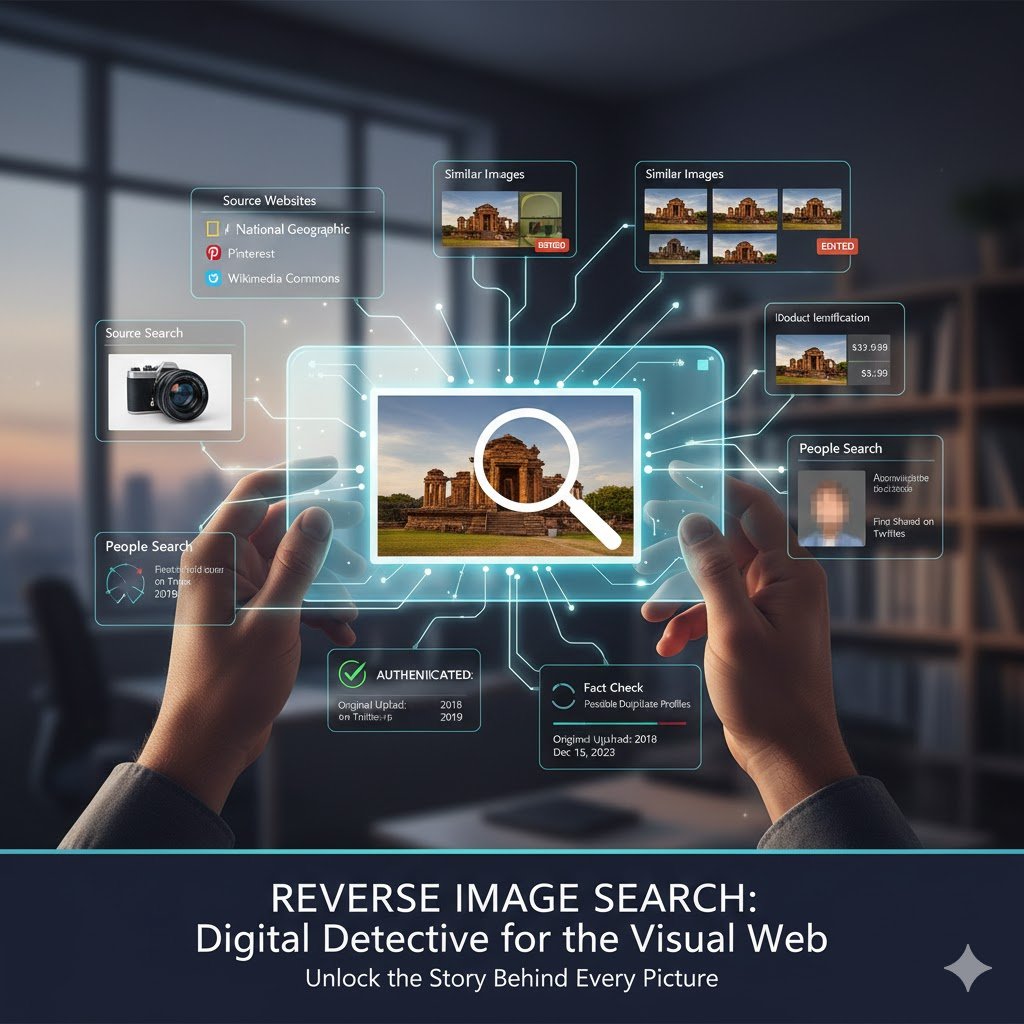
Here’s how the process works step by step:
Step 1: Image Input
You upload an image or paste an image URL into the tool.
Step 2: Feature Extraction
The system analyzes the image’s:
- Colors
- Shapes
- Edges
- Pattern
- Textures
Step 3: Pattern Matching
The system compares those features against billions of indexed images online.
Step 4: Result Generation
It displays visually similar or identical images along with their source pages.
Step 5: Context Interpretation
You explore how and where the image is used across the web.
The more advanced the algorithm, the better the results.
Best Reverse Image Search Tools You Should Know
Different tools serve different purposes. Let’s explore the most popular and reliable ones.
1. Google
Google’s reverse image search is one of the most widely used tools in the world.
You can:
- Upload an image
- Paste an image URL
- Use Google Lens directly
It’s excellent for finding:
- Similar images
- Webpages using the image
- Product matches
- Visual context
Google’s massive database gives it an edge in general searches.
2. Lenso.ai – Advanced Face & Image Search
Lenso.ai specializes in face recognition and duplicate image detection.
It allows users to:
- Find where their images appear online
- Detect possible identity misuse
- Track duplicates
- Discover similar images
You can filter by:
- People
- Places
- Similar images
- Copyrighted content
It’s especially useful for photographers, content creators, and cybersecurity purposes.
3. Bing Visual Search
Bing’s visual search works exceptionally well for:
- Products
- Objects
- Locations
It often provides detailed results like product names, pricing, and similar items.
Great for shopping, research, and discovery.
4. TinEye Reverse Image Search
TinEye focuses on image history.
It helps users:
- Track where an image first appeared
- Find altered or resized versions
- Monitor image reuse
It’s widely used by photographers and journalists.
5. Yandex Reverse Image Search
Yandex often outperforms others when it comes to:
- Facial recognition
- Artwork identification
- Regional image results
It’s especially useful when searching images from Eastern Europe or Asia.
Social Media Platforms
Images spread quickly on social media. Reverse image search helps verify them.
Instagram doesn’t offer native image search. However, uploading screenshots to image search tools helps detect reposts or stolen content.
While Facebook doesn’t allow direct image search, reverse search tools can find publicly shared images linked to profiles or pages.
Many users use reverse image search to find the original source of viral images or memes.
Mobile Devices
You don’t need a computer to use reverse image search.
On Android
Google Lens works directly from the camera or gallery.
On iPhone
You can:
- Use Safari’s desktop mode
- Upload images from Photos
- Use Google Lens via app
Mobile reverse search makes real-time exploration incredibly easy.
AI-Powered
Artificial Intelligence has taken image search to another level.
AI-powered systems can:
- Recognize faces and expressions
- Detect image edits
- Identify objects more accurately
- Understand visual context
This makes results faster, smarter, and more reliable.
Top Use Cases of Reverse Image Search
1. Verifying Image Authenticity
Check whether an image is real, edited, or taken out of context.
2. Tracking Copyright Usage
Creators can find where their images appear online.
3. Identifying Products or Objects
From furniture to fashion, find what’s in an image.
4. Spotting Fake Profiles
Detect catfishing and scam accounts.
5. Finding Higher-Quality Versions
Locate HD or original versions of compressed images.
Best Practices for Better Results
To improve accuracy:
- Use clear, high-quality images
- Crop unnecessary background
- Try multiple tools
- Use both image upload and URL options
- Compare results across platforms
Limitations
Despite its power, it’s not perfect.
- New images may not appear immediately
- Private or restricted content can’t be indexed
- Low-resolution images reduce accuracy
- Heavily edited images may be harder to trace
Understanding these limitations helps manage expectations.
The Future of Reverse Image Search
The future looks exciting.
With AI and machine learning improving rapidly, reverse image search will:
- Detect deepfakes more accurately
- Identify image edits more clearly
- Offer richer context and timelines
- Integrate seamlessly into everyday apps
Soon, visual search will feel as natural as typing a question.
Final Thoughts
Reverse image search is more than a tool — it’s a digital skill.
It helps you verify truth, protect yourself, discover information, and navigate the visual internet with confidence. Whether you’re a student, journalist, creator, or everyday user, this technology gives you clarity in a world full of visuals.
Once you start using it, you’ll wonder how you ever lived without it. The transform the way we understand and interact with visual content. It empowers users to verify information, uncover sources, and make smarter digital decisions. As technology evolves, these tools will only become more powerful and more accurate.
If knowledge is power, then reverse image search is one of the most underrated tools of the modern web.